
How do I verify that a chip was programmed correctly?
Programmer reports success but the board fails

A customer asked: the programmer reports successful programming, but the chip does not work once mounted on the board. How should this be handled?
Our technical team's advice: check the data file. If the chip is not read-protected, read back the programmed content and compare it with the original data. Then check the chip configuration (config) options — on chips such as Microchip, STM8, STM32, Nuvoton and MindMotion, the configuration can also be read back and compared with a known-good chip.
If you have any questions about programmers, contact MaxWiz — our engineers will answer them one by one.
Verifying the programmed chip
Some customers ask: the chip has been programmed — how do I verify that it is actually OK?
Shenzhen programmer maker MaxWiz answers: with our programmers you can:
1. Use the "Verify" button directly.
2. Read the chip checksum.

Data verification is not possible in the following cases:
A. The chip is read-protected, write-protected or is an OTP chip.
B. The chip requires an ID to be entered before verification.
C. The chip interface has been locked.
We hope this clears up how to verify a chip. For any question about IC programming or programmers, contact MaxWiz Technology.
Telling whether an IC has been programmed
How to tell whether the IC has been burned? This question let the burning device manufacturer Masweizhi to answer you.
IC has been burned, the first thing to go from the internal structure, through the burning device to check whether IC has been burned.
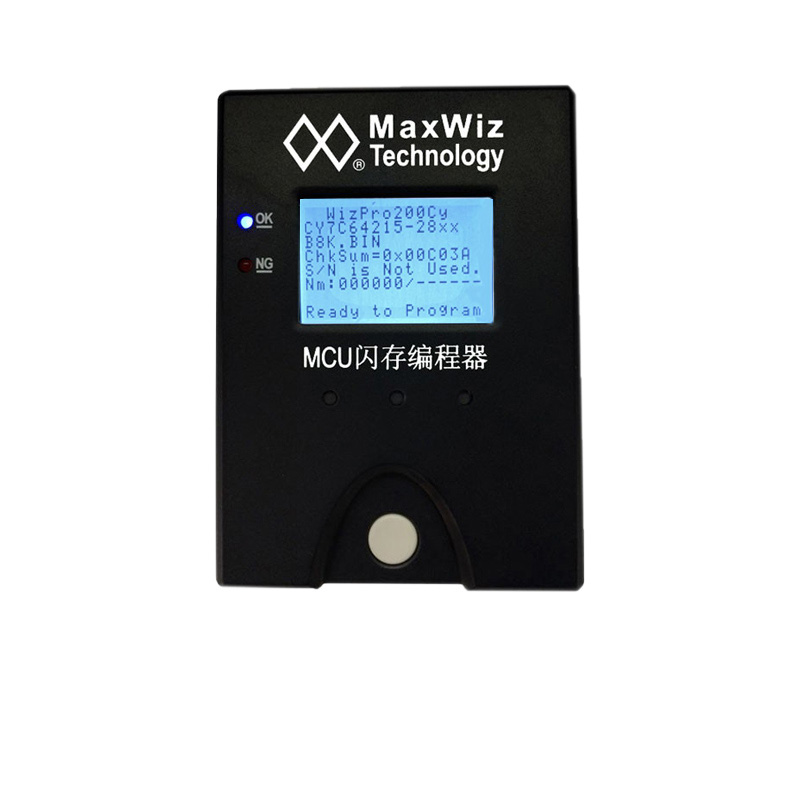
First, through blank check, if the IC burned, the customer has not been cleared, it will remain some information, this time we can see whether the IC has been burned.
Second, through the appearance inspection, whether IC has solder, the customer will sometimes make some marks, is to play some color marks, from the appearance to identify whether IC has been burned.
Third, check the production cycle of IC, which time period it is produced in. Generally speaking, the production cycle of IC is calculated by weeks. We can check the year or week of production marked on IC.
When checking the IC, if the customer has cleared it and it looks very new, this is more difficult to determine. If the appearance of the IC is good and blank, as long as the function of the IC is good, there is no need to care too much. General customers burn in order to distinguish different versions of IC, they will be on the IC.
Generally speaking, the original goods are not burned, the inside is blank, by checking whether it is blank can determine whether there is a burning IC. At the appearance level, we can identify whether IC has been burned by checking whether there are some marks and whether the footnotes have been solder or not.
After reading this, you should know how to judge whether IC has been burned, need to know more about burning related problems can leave a message to us.